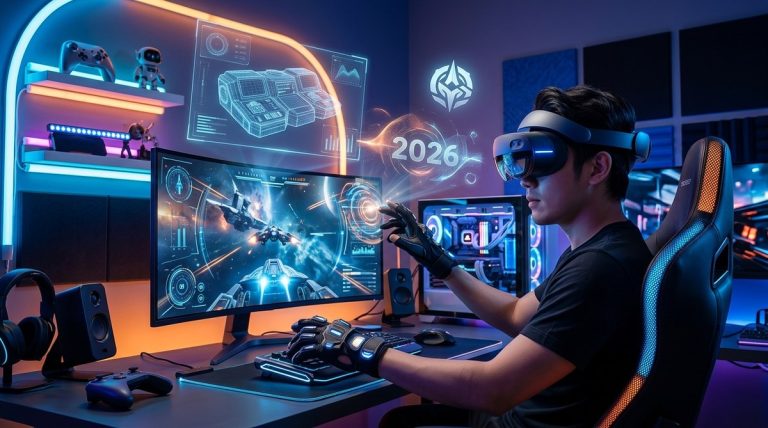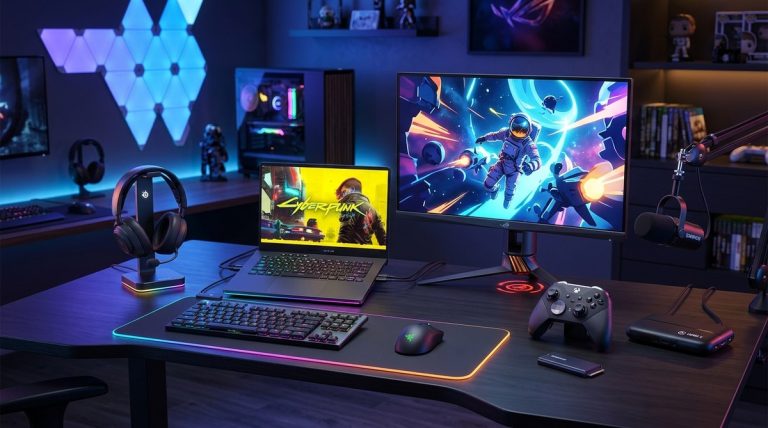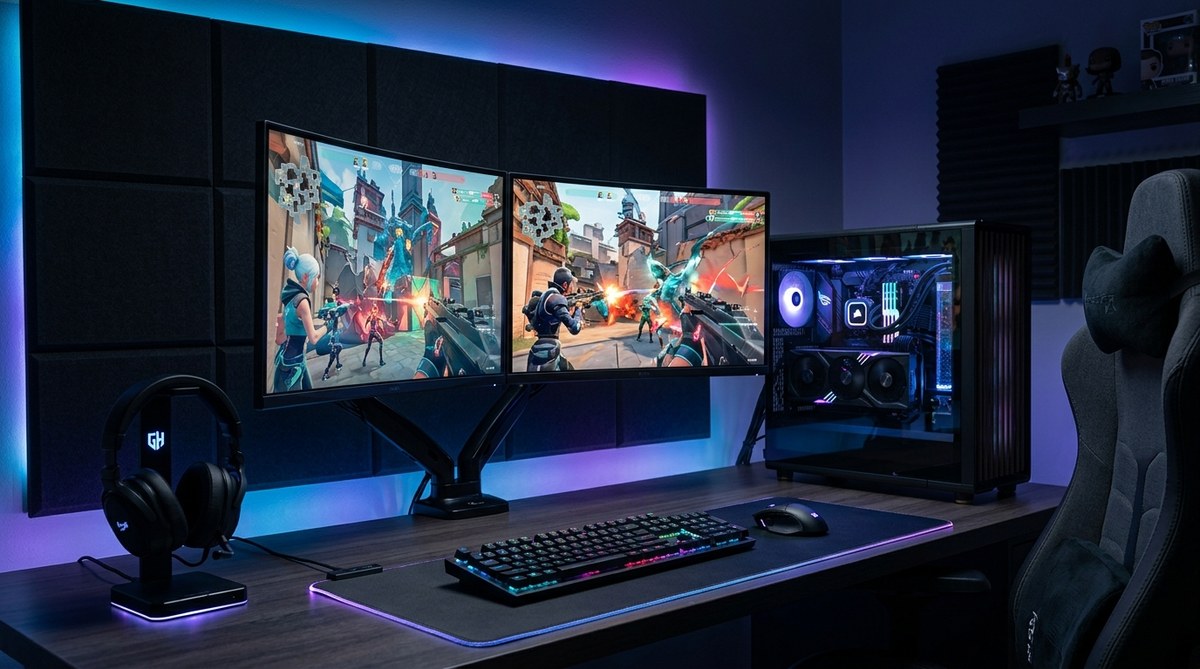
Getting your gaming setup dialed in can vastly improve your play and enjoyment. Whether you’re a seasoned gamer or just starting out with building your own PC, knowing how to fine-tune your hardware and software can make the difference between lag and victory. This guide walks you through practical steps to optimize your gaming environment, ensuring your system runs smoothly and your gameplay is as responsive as possible.
Optimizing your gaming setup requires tuning hardware, updating software, and creating the right environment. Follow practical steps to boost performance, fix common issues, and enjoy smoother gameplay without expensive upgrades.
How to Improve Your Gaming Hardware for Better Performance
Upgrading or properly configuring your hardware is the foundation of peak gaming. From your graphics card to your peripherals, each component plays a role in delivering a smoother experience.
1. Focus on Your Graphics Card and CPU
Your graphics card (GPU) and central processing unit (CPU) determine how well your system can handle demanding titles. If you’re experiencing lag or low frame rates, these are the first areas to evaluate.
- Upgrade if necessary: If your GPU or CPU is outdated, upgrading can significantly improve performance. Look for models compatible with your motherboard and power supply.
- Optimize settings: Lower in-game settings like shadows, textures, and anti-aliasing to free up resources. Many modern games allow you to customize graphics for better performance.
2. Ensure Sufficient RAM and Fast Storage
Having enough RAM helps your system handle multiple processes smoothly. Typically, 16GB is a good baseline for gaming.
- Upgrade RAM: If you’re running less than 16GB, consider adding more.
- Switch to SSD: Installing your games and OS on a solid-state drive reduces load times and improves overall responsiveness.
3. Keep Drivers and Firmware Updated
Outdated drivers can cause performance issues or crashes.
- Update graphics drivers regularly: Use official tools from your GPU manufacturer.
- Update motherboard BIOS and firmware: This can improve stability and compatibility.
Software Tweaks to Maximize Gaming Efficiency
Beyond hardware, software optimizations can enhance your gaming experience.
1. Adjust Windows Settings for Gaming
Windows offers several built-in tools to prioritize gaming performance.
- Enable Game Mode: This feature allocates system resources to your game.
- Disable background apps: Close unnecessary programs to free up CPU and RAM.
- Optimize power settings: Set your PC to high performance mode in the power options.
2. Use Performance Monitoring Tools
Monitoring your system helps identify bottlenecks.
- Tools like MSI Afterburner or HWMonitor display real-time data on temperature, clock speeds, and usage.
- Keep an eye on temperatures to prevent overheating, which can throttle performance.
3. Tweak In-Game Settings
Adjusting game-specific settings often yields the most noticeable improvements.
- Reduce resolution if needed.
- Turn off or lower resource-heavy effects.
- Use preset graphics options like medium or low for smoother gameplay.
Creating the Perfect Gaming Environment
Hardware and software are important, but your physical environment also impacts performance.
1. Optimize Your Gaming Space
- Keep your PC in a cool, well-ventilated area to avoid overheating.
- Use a comfortable chair and desk to reduce fatigue.
- Minimize ambient noise and distractions.
2. Manage Cables and Accessories
- Use cable management to prevent overheating and clutter.
- Invest in quality peripherals like a gaming mouse and keyboard for better control.
- Consider using a dedicated monitor with a high refresh rate for smoother visuals.
3. Use Proper Lighting and Sound
- Dim or bias lighting reduces glare and eye strain.
- Use headphones or quality speakers to enhance audio cues.
Practical Techniques and Common Mistakes
Here’s a quick comparison to help you avoid pitfalls:
| Technique | Benefit | Common Mistake |
|---|---|---|
| Overclocking | Boosts performance | Overclocking without proper cooling |
| Disabling Windows updates | Prevent interruptions | Neglecting security updates |
| Using default graphics settings | Easy setup | Sacrificing performance for visuals |
| Keeping drivers updated | Stability & compatibility | Ignoring driver updates |
“The key to optimizing your gaming setup is balancing performance with system stability. Avoid rushing into overclocking or hardware upgrades without proper research.” — Gaming tech expert
Step-by-Step Process to Optimize Your Gaming Setup
- Assess your current hardware: Check if your GPU, CPU, RAM, and storage meet your gaming needs.
- Update all drivers and firmware: Ensure your system runs on the latest version.
- Adjust in-game and system settings: Lower graphics or enable performance modes.
- Monitor system health: Use tools to track temperature and usage.
- Optimize your environment: Create a comfortable, well-ventilated space.
- Regular maintenance: Clean dust from components and check for software updates.
- Test and tweak: Play and adjust settings based on performance feedback.
Common Mistakes That Hold Back Your Gaming Performance
- Neglecting driver updates
- Overclocking without proper cooling
- Running games at ultra settings on low-end hardware
- Ignoring system temperatures
- Cluttered workspace causing distractions
Fine-Tuning for Consistent Performance
Achieving a stable high-performance gaming setup isn’t a one-time task. It requires regular updates, maintenance, and adjustments. Keep monitoring your system’s performance and tweak settings based on the latest games and updates.
Remember, a well-optimized gaming setup not only improves your gameplay but also extends the lifespan of your hardware. Don’t rush the process. Take small steps to improve, and you’ll notice a more responsive, enjoyable gaming experience.
Putting It All Together for Better Gaming Sessions
Creating a gaming environment where hardware, software, and surroundings work in harmony can change how much you enjoy your games. Use these practical tips to build a setup that supports your gaming ambitions. Small improvements can lead to big gains in performance and fun. Keep experimenting and learning, and you’ll always be ready for your next gaming challenge.
About the Author