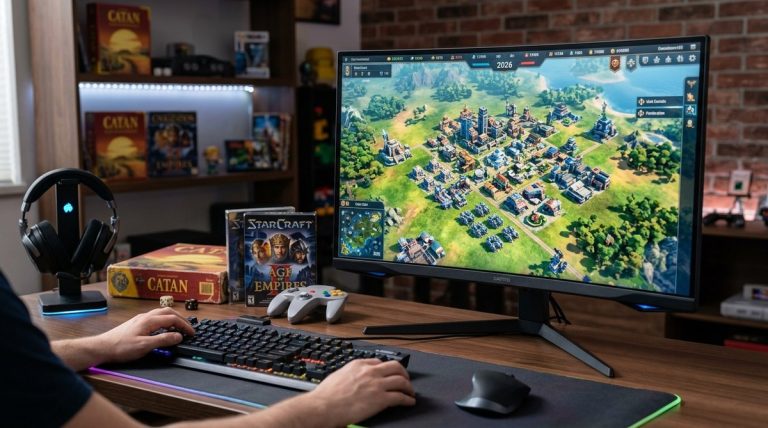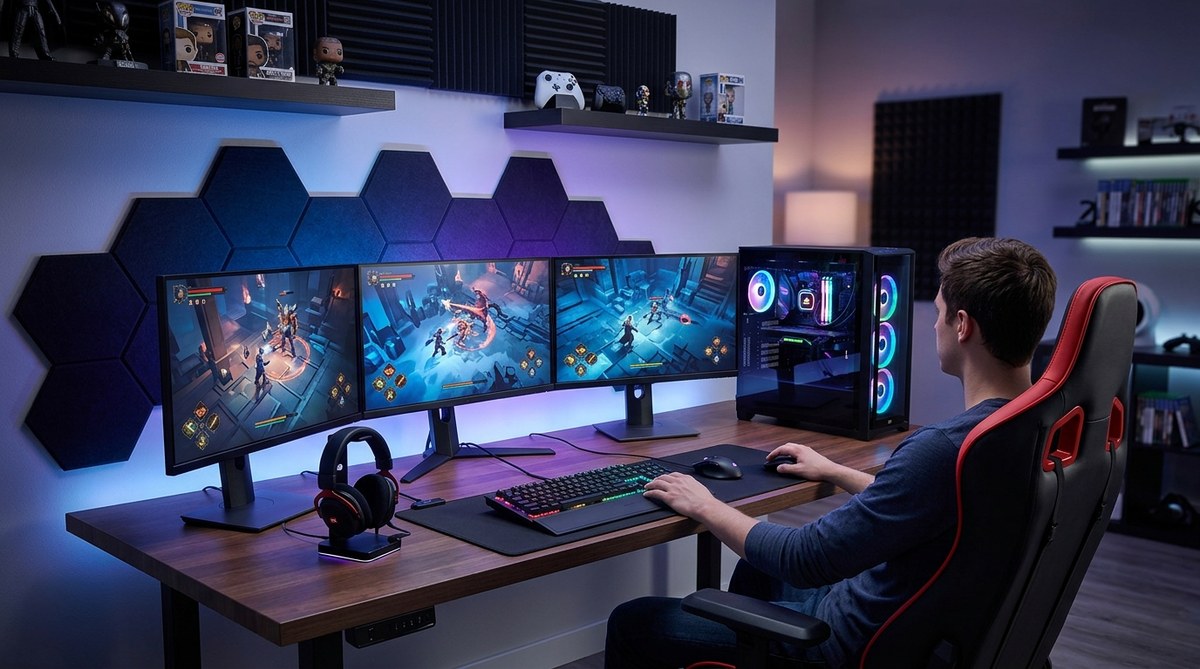
Getting your gaming setup dialed in can make a huge difference in how smoothly your games run and how immersive your experience feels. Whether you’re aiming for higher frame rates, lower input lag, or just a more comfortable space to game in, the right adjustments can transform your sessions. Let’s walk through practical tips to fine-tune your gaming environment so you can play at your best every time.
Optimizing your gaming setup involves balancing hardware upgrades, proper cable management, environment adjustments, and software tuning. Implementing these tips can lead to smoother gameplay, faster responses, and a more comfortable gaming space, enhancing your overall experience and enjoyment.
Fine-tuning Your Gaming Hardware for Better Performance
The foundation of a great gaming experience lies in your hardware. Even the best games can suffer when your setup isn’t optimized. Start by evaluating your current components and making targeted upgrades that deliver the most noticeable performance boosts.
1. Upgrade your graphics card and RAM
Your graphics card handles rendering the visuals, so investing in a capable GPU can significantly improve frame rates and image quality. Pair this with sufficient RAM—aim for at least 16GB—to ensure your system can handle modern games smoothly. Check your system compatibility before purchasing and consider models known for gaming performance like Nvidia’s GeForce series or AMD’s Radeon cards.
2. Keep your drivers updated
Outdated drivers are a common cause of lag and crashes. Regularly update your graphics, motherboard, and peripheral drivers through official manufacturer websites or automatic update tools. Updated drivers improve stability and compatibility, allowing your hardware to perform at its best.
3. Optimize in-game settings
Lowering resolution or reducing shadow quality can free up GPU resources, resulting in higher frame rates. Many games offer preset options—try switching to “performance” modes that prioritize smoothness over visual fidelity. Adjust settings manually to strike a balance that suits your hardware and preferences.
4. Use a gaming monitor with high refresh rate
A monitor with a refresh rate of 120Hz, 144Hz, or higher can make gameplay feel much smoother. Be sure your graphics card can match this refresh rate and enable V-Sync or G-Sync to eliminate screen tearing.
5. Upgrade your peripherals
A responsive gaming mouse and mechanical keyboard can improve reaction times. Comfortable headsets with good sound can also help you react faster to in-game cues. Choose peripherals designed for gaming to gain that extra edge.
Creating the Perfect Gaming Environment
Hardware is just part of the picture. Your environment plays a crucial role in your gaming performance and comfort. Small adjustments can lead to big improvements.
1. Manage cables and airflow
Proper cable management keeps your workspace tidy and prevents overheating. Use cable sleeves or clips to avoid tangles. Ensure your PC has unobstructed airflow by organizing intake and exhaust fans. Clean dust filters regularly to maintain cooling efficiency.
2. Optimize room lighting
Harsh lighting can cause eye strain during long gaming sessions. Use ambient lighting or bias lighting behind your monitor. Adjustable LED strips can add a cozy atmosphere and reduce glare.
3. Adjust your seating position
An ergonomic chair with proper lumbar support helps prevent fatigue. Position your monitor at eye level, about an arm’s length away. Good posture keeps you comfortable and reduces physical strain.
4. Control ambient noise and distractions
A quiet space enhances focus. Use noise-canceling headphones or soundproofing if necessary. Minimize interruptions by informing others when you’re gaming or setting up a dedicated gaming corner.
Software Tweaks for Peak Gaming Performance
Beyond hardware and environment, software settings can fine-tune your system for gaming.
1. Disable background applications
Close unnecessary programs running in the background to free up system resources. Use task manager to identify and end processes that aren’t essential during gaming sessions.
2. Enable game mode and GPU acceleration
Windows offers a game mode that prioritizes gaming processes. Enable it through settings to reduce background activity. Also, ensure your GPU’s control panel has hardware acceleration turned on for optimal performance.
3. Adjust power settings
Set your PC to high performance mode in power options. This prevents the system from throttling performance to save energy. On laptops, connect to power during gaming sessions for the best results.
4. Use performance monitoring tools
Apps like MSI Afterburner or HWMonitor can help track system temperatures and resource usage. Monitoring helps you identify bottlenecks or overheating issues before they affect gameplay.
Common Mistakes to Avoid When Optimizing Your Gaming Setup
| Technique | Mistake | Explanation |
|---|---|---|
| Upgrading hardware without compatibility check | Buying incompatible components | Can lead to hardware failure or poor performance |
| Neglecting regular cleaning | Ignoring dust buildup | Overheating and component damage |
| Ignoring software updates | Skipping driver updates | Causes crashes and poor performance |
| Overclocking without cooling | Pushing hardware too hard | Risks overheating and hardware damage |
| Using generic cables and accessories | Poor quality cables | Can cause signal loss or lag |
“A well-balanced gaming setup combines the right hardware, environment, and software tweaks. Neglecting any aspect can undermine your efforts.” — Gaming tech expert
Putting It All Together for Your Best Gaming Experience
Optimizing your gaming setup isn’t a one-time task. It’s a continuous process of balancing hardware upgrades, environment adjustments, and system tweaks. Start with the most impactful changes, like upgrading your GPU or improving airflow, then fine-tune settings to match your game and preferences.
Remember, a comfortable, well-organized space with properly maintained hardware can turn gaming from a casual activity into an immersive experience. Small improvements can lead to noticeable gains in performance and enjoyment.
Take the time to evaluate your current setup. Implement these tips gradually and see how your gaming sessions improve. With patience and attention to detail, you can create a setup that supports your skills and makes every moment of play more satisfying.
About the Author